So you want a compact, customizable keyboard that looks slick on your desk, sounds nice, and can hop between PC, phone, and console without drama? Nice — let’s talk about the AULA F75 Pro Wireless Mechanical Keyboard. I spent time combing the specs and user-facing features so you don’t have to. Below you’ll get a friendly, no-nonsense breakdown of what this 75% hot-swappable keyboard actually offers, who it’s perfect for, and where it might not be the best match
Disclosure: This post contains Amazon affiliate links. As an Amazon Associate I earn from qualifying purchases.
Quick overview — specs that matter (compact power with a knob)
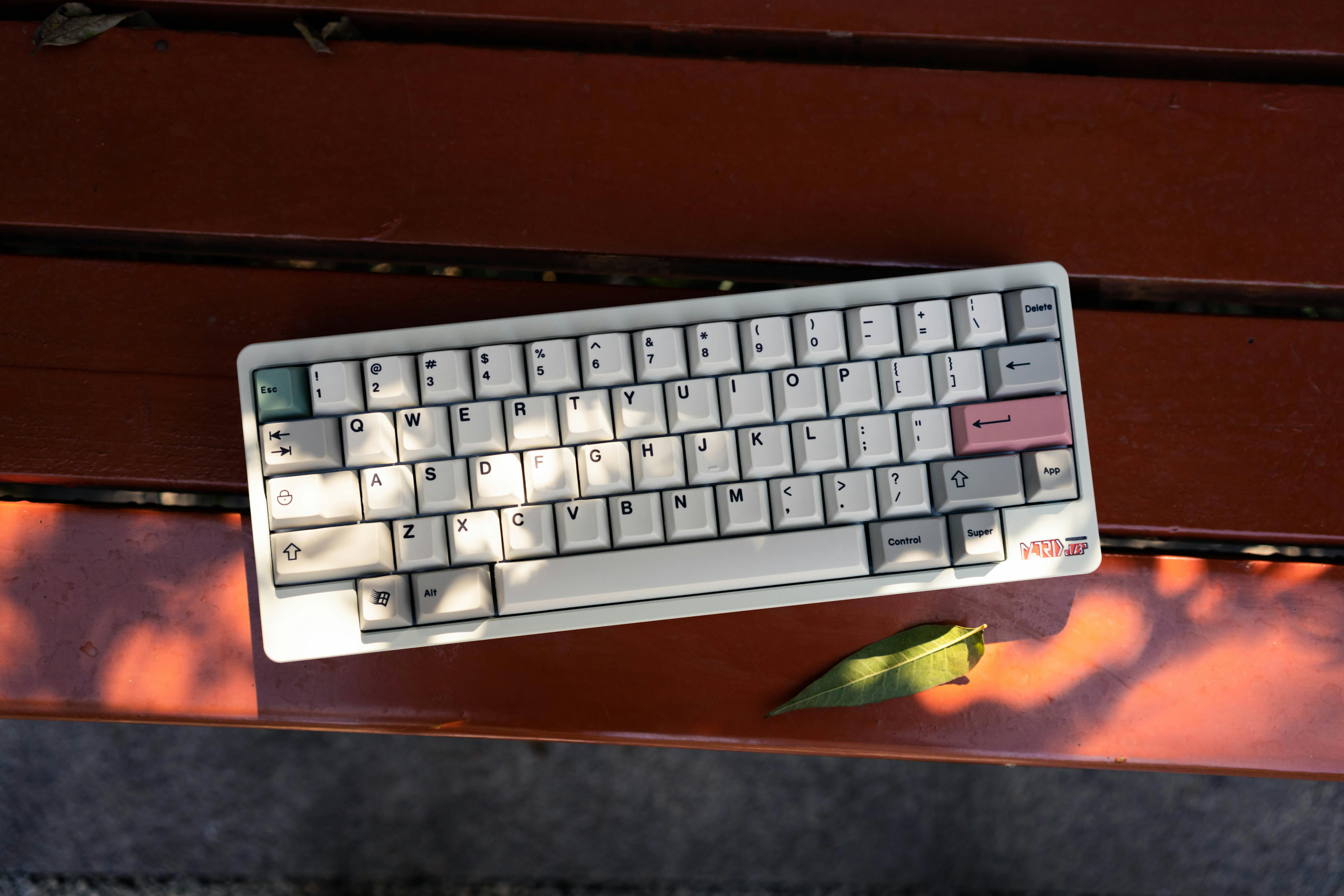
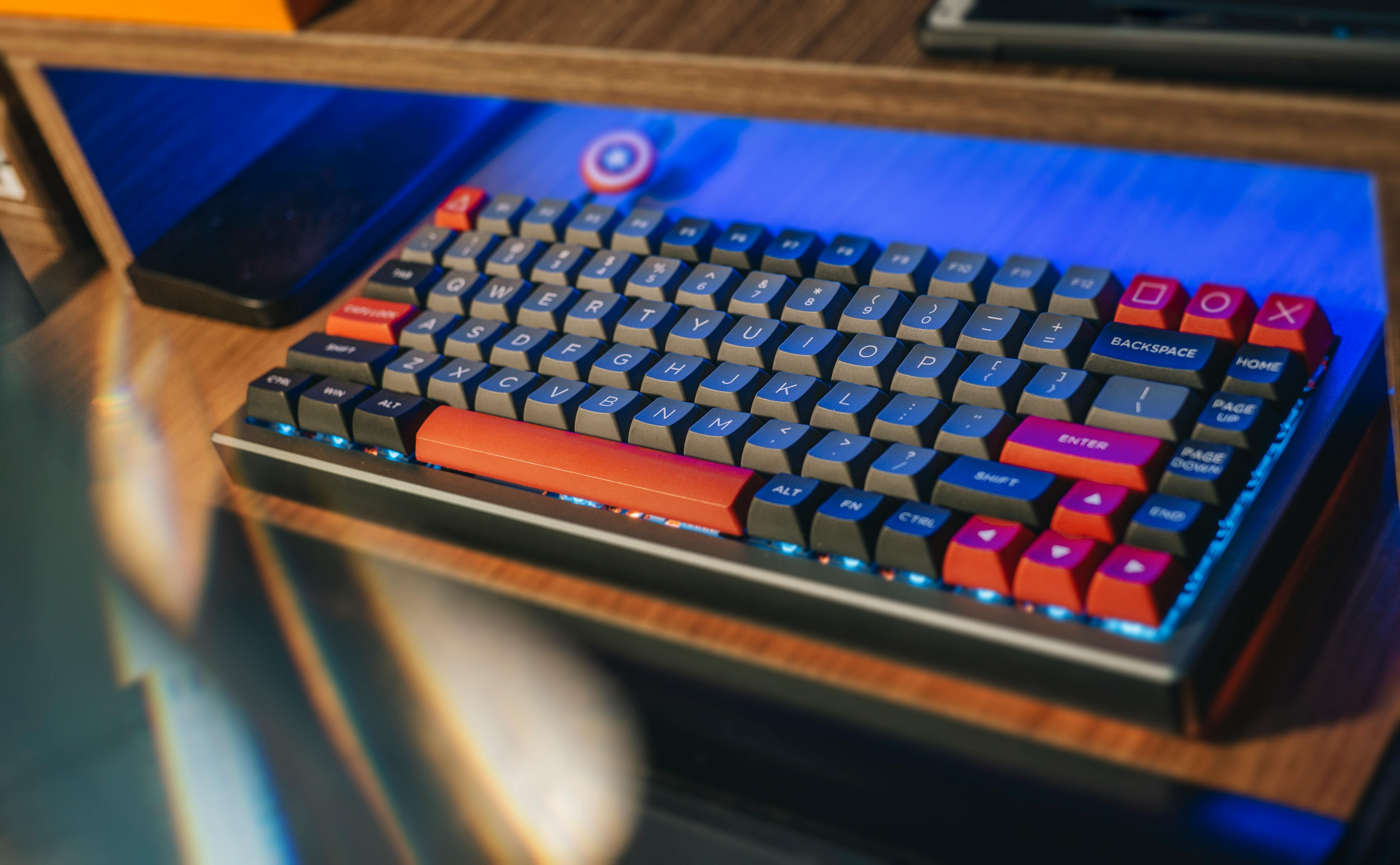
Alright, quick hits first. The AULA F75 Pro is a 75% layout mechanical keyboard (81 keys) with a tri-mode connection: Bluetooth 5.0, 2.4 GHz wireless, and wired USB-C. It’s hot-swappable for 3-pin and 5-pin switches, ships with pre-lubed Reaper switches and side-printed PBT keycaps, and packs a multifunction knob for media or lighting control. It even touts a 4000 mAh battery for long wireless sessions. All of that is listed on the product page.
Why that matters: tri-mode gives you flexibility — game on the 2.4 GHz dongle, type on Bluetooth, or plug in for zero latency. Hot-swap means you can swap switches without soldering (great for remixing sound and feel). The knob is a luxury feature on compact boards — handy for volume, media, or quick lighting tweaks.
Typing and gaming feel — switches, stabilizers, and that “thock”
Let’s get tactile. The F75 Pro ships with AULA’s pre-lubed Reaper switches and claims an “advanced structure” with multiple layers of silicone padding and pre-lubed stabilizers to reduce rattly noise and give a thicker, “thocky” sound. Translation? It’s designed to feel solid and slightly muted — not tinny, not hollow.
How does that play out day-to-day? If you like a creamy, smooth switch with a satisfying bottom-out sound — and you care about low stabilizer rattle on longer keys — this kit is set up to deliver right out of the box. Hot-swap lets you swap in tactile or linear switches if you’re chasing a different vibe later. For gaming, the board supports N-key rollover and WIN-lock so you won’t accidentally minimize during a scrappy fight.
Two practical notes: 1) the gasket-style padding and silicone fills the cavity to reduce hollow noise, but that also slightly softens key feel compared to a stiff plate-mounted board; 2) the 75% layout saves desk space while keeping arrow keys — a big plus if you don’t want to sacrifice navigation keys for minimalism.
Connectivity, battery life, and build quality — can it really be your daily driver?
Connectivity is one of the F75 Pro’s selling points. You can pair up to five devices and switch between them with shortcuts or a side button, which is super-handy if you’re bouncing between laptop, tablet, and phone. The 4000 mAh battery is a standout spec for a compact wireless keyboard — expect long stretches of use between charges, especially if you dial back RGB intensity.
Build-wise, AULA brags about a stable frame and a layered interior (five layers of filling between the PCB and plate) meant to absorb sound and improve resilience. The keyboard measures about 12.7″ x 5.64″ x 1.7″, so it’s compact without being cramped. The side-printed PBT keycaps use sublimation/heat processes for durability — they won’t fade quickly and are sweat resistant.
Keep in mind: wireless convenience is awesome, but for ultra-competitive esports you’ll want the 2.4 GHz dongle or a wired USB-C connection to avoid any latency concerns. The wired mode also charges the battery while you play
Lighting, customization, and software — how deep does the rabbit hole go?
RGB lovers, you’re covered. The F75 Pro advertises 16.8 million colors with 16 preset lighting effects plus music-sync modes if you want the keyboard to dance to your tunes. Brightness and effect speed are adjustable via the knob or key combos, and the online driver claims macro programmability for remapping keys and assigning shortcuts. If you need macros or complex layers (stream deck automation, anyone?), the driver is how you’ll set those up.
Hot-swap plus pre-lubed stabilizers means minimal tinkering out of the box, but the board also invites customization: swap switches, change keycaps, set macros, and tweak lighting until it matches your rig. For people who love to personalize hardware, this is a playground; for folks who want plug-and-play, the defaults are decent too.
A quick practical pointer: if you plan heavy macro use or professional remapping, test the driver carefully. Some third-party or budget-brand drivers can be quirky on macOS or Linux — but for Windows users the driver experience is usually more polished.
Pros, cons, and who should buy it — final verdict
Alright — who’s this actually for?
Buy it if:
-
You want a compact 75% layout that still gives you arrow keys.
-
You’re into customization: hot-swap switches, pre-lubed stabilizers, and PBT keycaps.
-
You want tri-mode connectivity (BT5.0, 2.4 GHz, USB-C) and multi-device pairing.
-
You like a physical knob for quick media and lighting control.
Pros (straight-up):
-
Hot-swappable base — no soldering to change switches.
-
Pre-lubed Reaper switches and layered padding for a thicker sound profile.
-
Tri-mode connectivity and a beefy 4000 mAh battery for long wireless sessions. Side-printed PBT keycaps that resist fading and feel premium.
Cons (be honest):
-
Brand drivers on budget boards can be hit-or-miss on non-Windows OS; double-check compatibility if you’re on macOS/Linux.
-
If you want a super-stiff, plate-mounted snap, the gasket/padded feel may be a touch softer than you expect.
-
For elite competitive gaming, wired mode is still the safest pick to guarantee absolute minimal latency.
Final verdict: the AULA F75 Pro punches above its weight for the price bracket. It’s a strong choice for gamers, creatives, and tinkerers who want responsive hot-swap hardware, a premium feel with PBT caps, and flexible connectivity. If you want a compact board that’s ready to mod or to use straight out of the box — this one’s worth a hard look. The Amazon listing also carries “Amazon’s Choice” and shows solid recent purchase activity, which is a decent social proof check when you’re shopping.
Disclosure: This post contains Amazon affiliate links. As an Amazon Associate I earn from qualifying purchases.